How Tillie works
Every place in the app, and what it does for you today.
How it works
Tell it. Notice it. Ask about it.
Tell Tillie
“Spent $35 on lunch today.”
Type it the way you would say it — nothing is saved until you press save.
Homa noticed
Food came to $445 this month, above your usual range.
Once there are two complete months of your own history, it compares with what is usual for you. When nothing stands out, it says so and stays quiet.
Ask Tillie
“Why did spending rise this month?”
Ask about your own numbers in plain words. Ask answers are worked out on your device.
Tell and Ask are optional and use AI only after you turn them on. Homa noticed works either way.
The idea
Four habits of a healthy money life
Know where it goes.
Log in a sentence or a tap, and see each month by category, without linking a bank.
Plan for what’s coming.
Repeating bills and pay, budgets with calm limits, and a Left to spend figure that sets the bills aside first.
Spend on what builds you.
See how much of your spending built something lasting: Cultural, Social, Health and Economic.
Leave room to breathe.
No scolding and no judgement. Small next steps, and a quiet heads-up before a budget runs out.
What it builds
See what your money built
Not every dollar disappears. Groceries feed your health, a class grows your skills, dinner with friends keeps you close, and a transfer to savings buys you calm. Tillie sorts spending into four kinds of lasting value, so you can see the life around the money.
$415 of your spending built something lasting
Example- Cultural$6415%
- Social$9623%
- Health$18043%
- Economic$7518%
- CulturalLearning, skills, culture and new experiences
- SocialTime and generosity with the people in your life
- HealthNourishing food, care and movement
- EconomicSavings and money set aside for later
The app
Four places, one story.
On a computer and on a phone. Install it from your browser and it opens like an app.
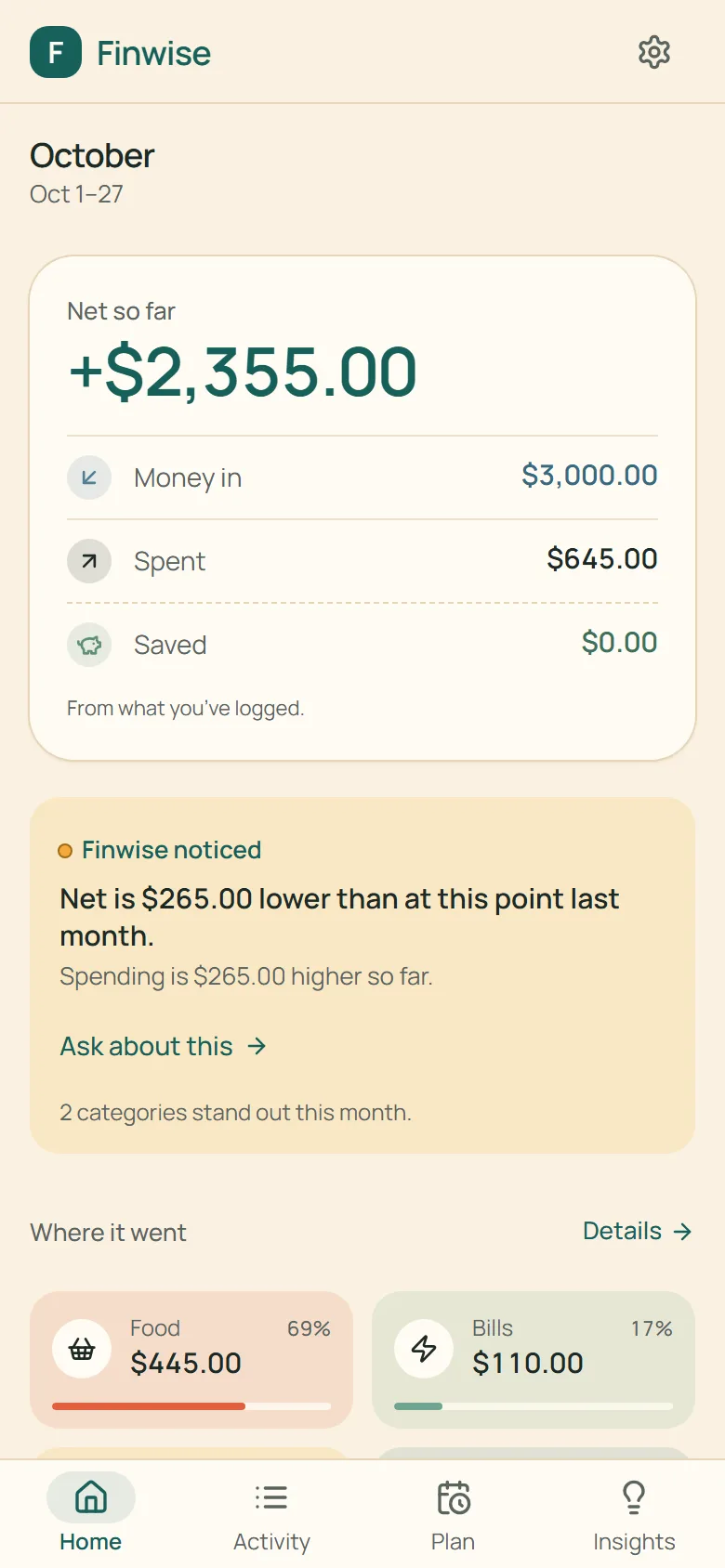
Home
What matters now.
This month so far, the one thing worth noticing, and the box to tell or ask.
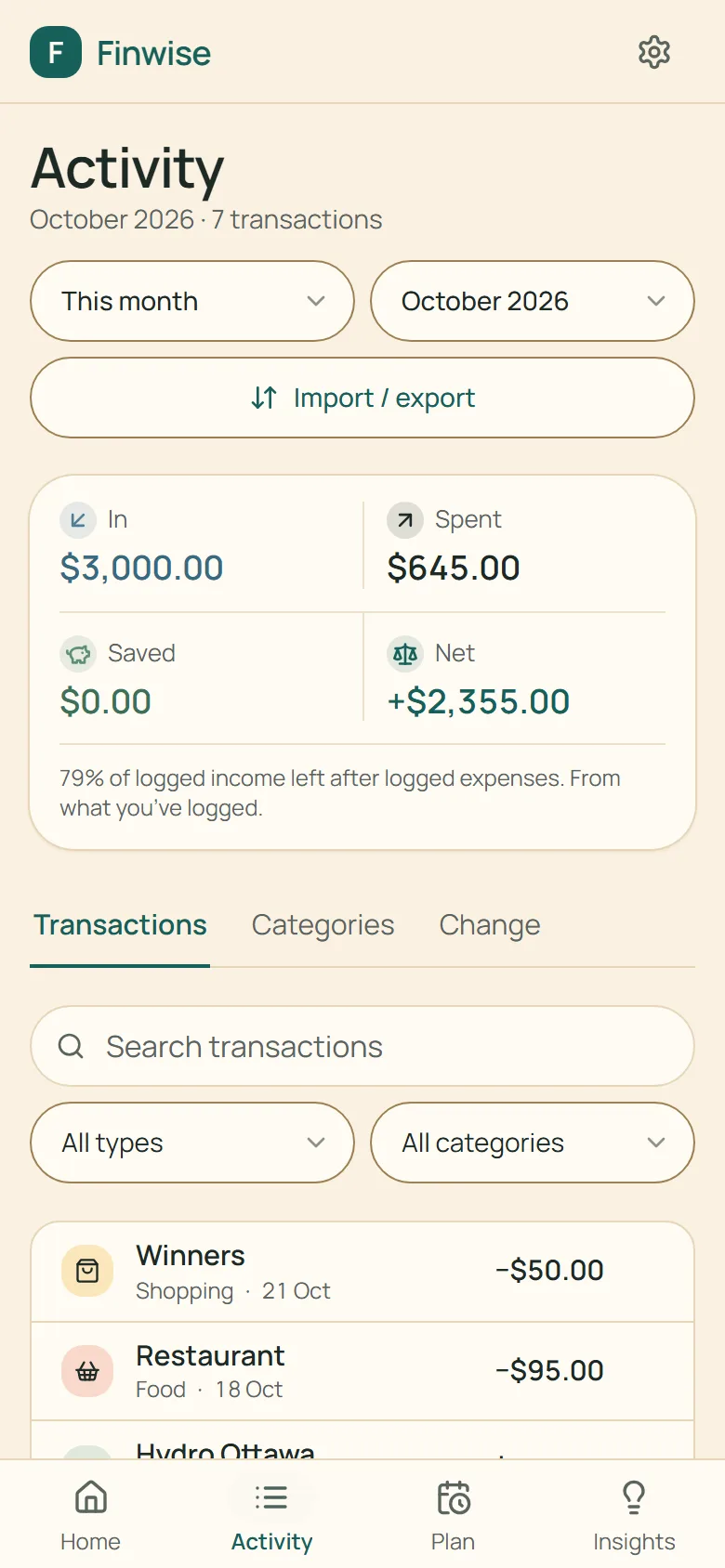
Activity
The evidence underneath.
Every transaction, each month’s totals, and how categories changed.
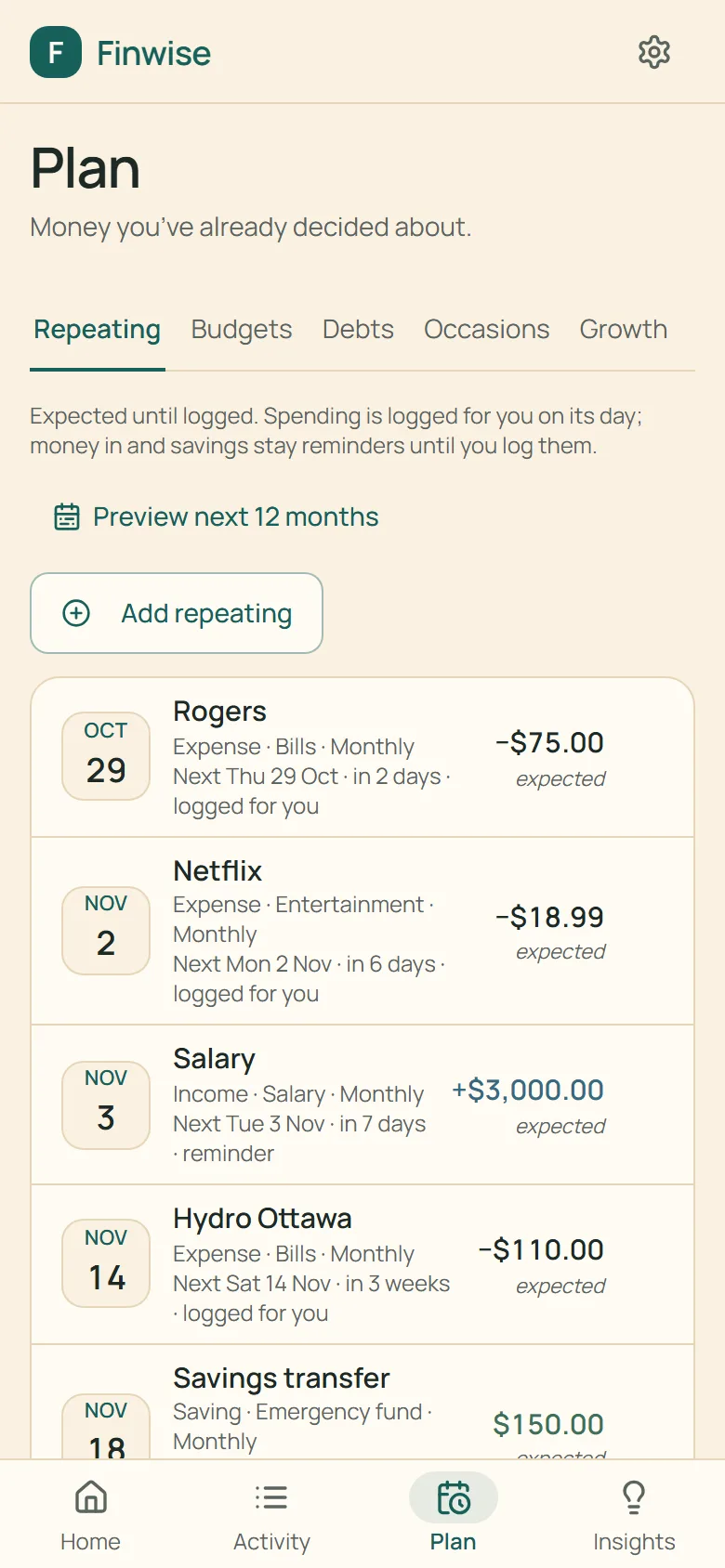
Plan
What comes next.
Repeating income and bills, budgets and debts.
Repeating spending is logged on its day; money in and savings stay reminders until you log them. Compare avalanche and snowball payoff plans, with extra payments.
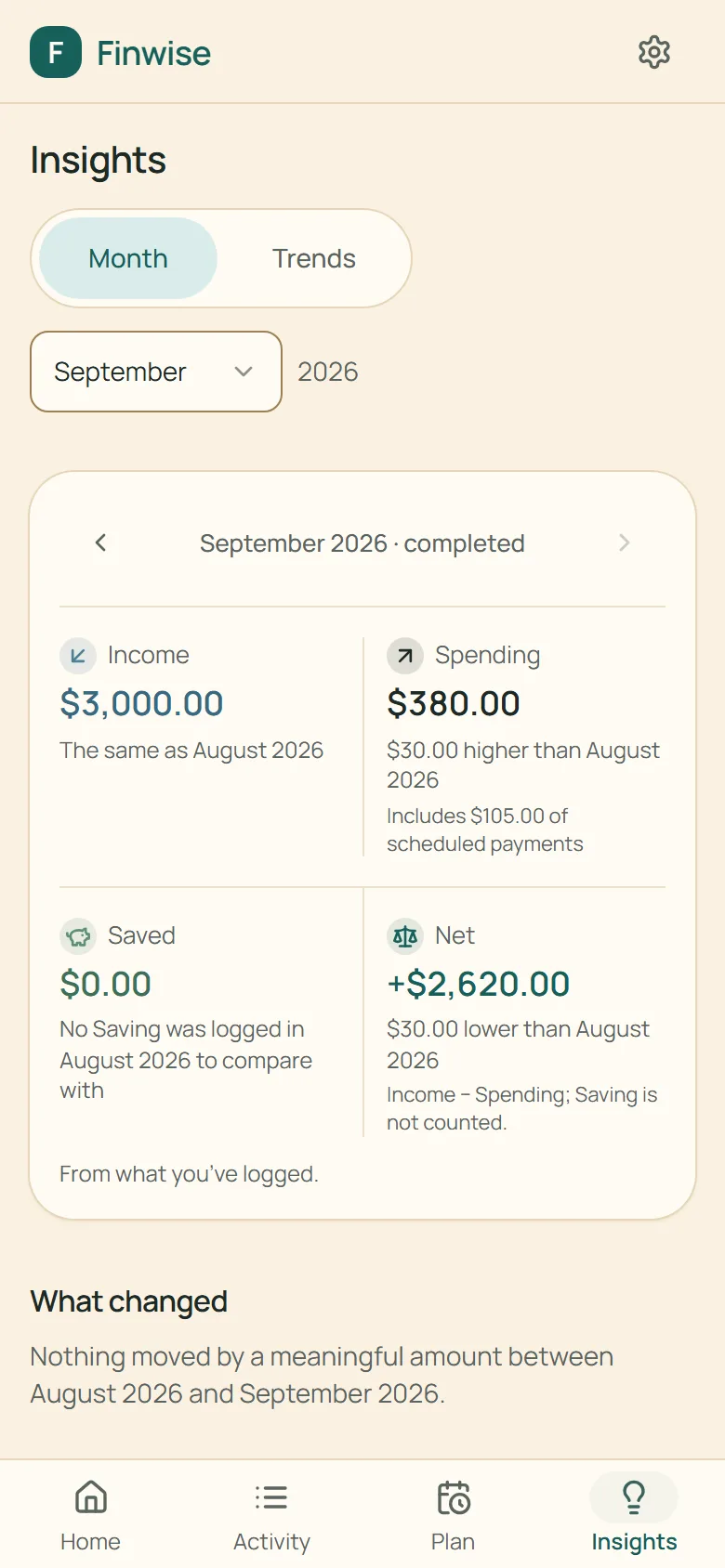
Insights
What your history is saying.
Each completed month, read against your own earlier months — not an average, not a target.
And more
Challenges, reports and bringing in your history
Challenges
Small, time-boxed goals you choose — no eating out for a week, keep treats under a limit — up to three running at once. Progress fills in from what you log; nothing is tracked separately.
Reports
A summary, what your money built, growth over time, pay periods, budgets history and debt progress — each read against your own earlier months, with the transactions that make up every figure one tap away.
Import
Bring in a CSV or Excel export from your bank. Tillie maps the columns, flags likely duplicates and shows you exactly what will be added before anything is saved.